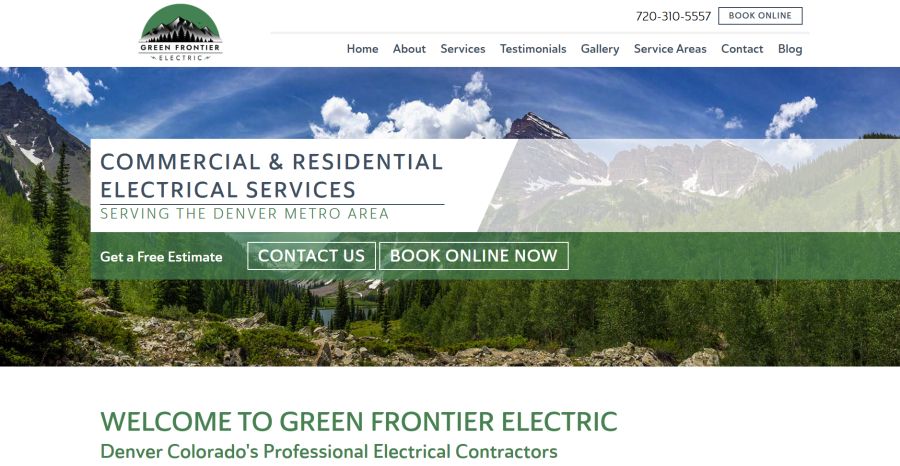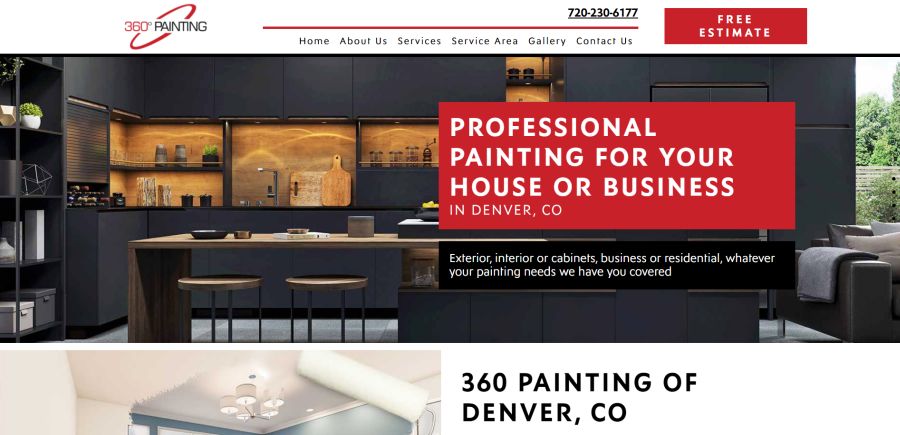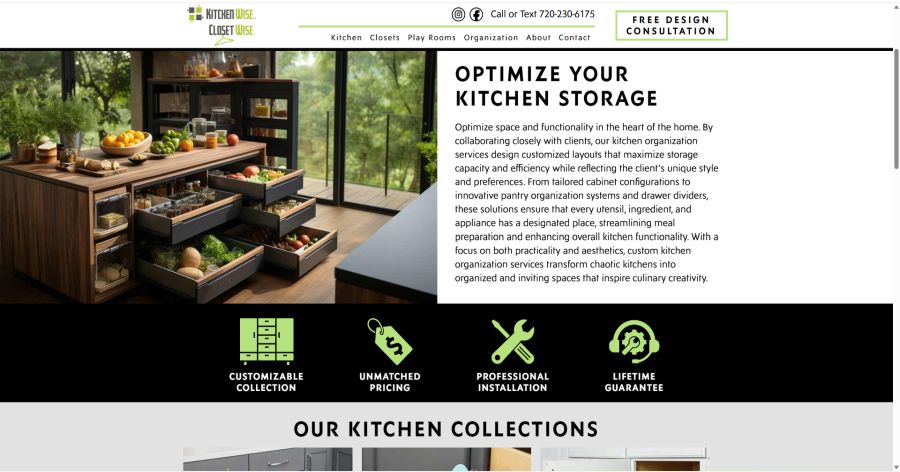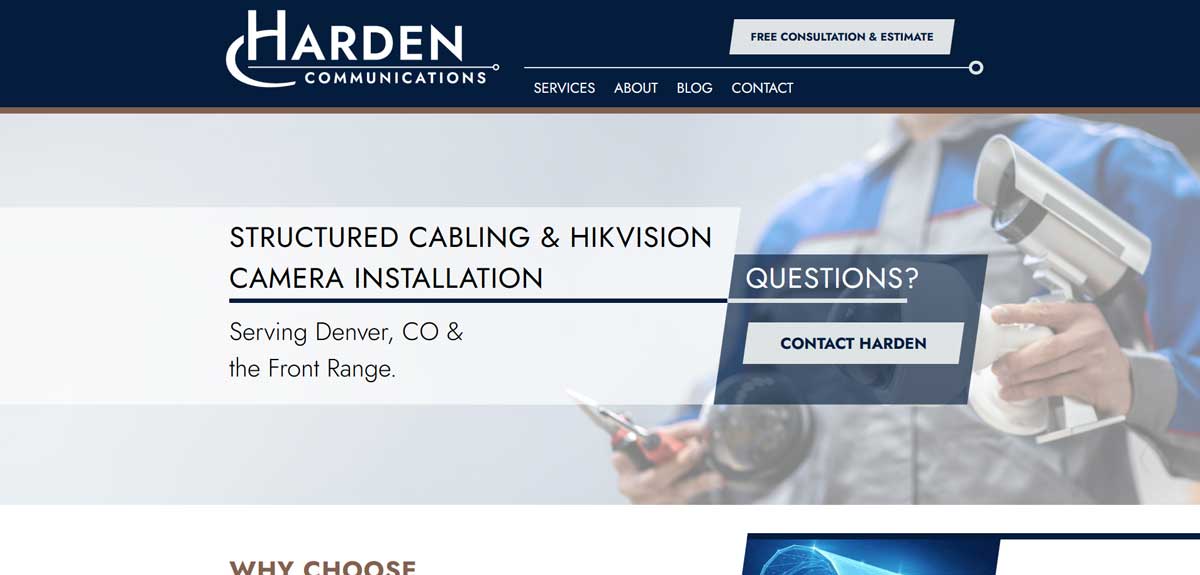

We have another great article in our Site in the Spotlight series, where Reality Concepts celebrates the local businesses we’ve helped move to the front of the digital pack.
This month we are heading over to the Central Valley to highlight a client that has been building communities—and trust—for over 80 years: Raymus Homes. As a premier builder in Manteca, California, Raymus Homes creates high-quality, thoughtfully designed neighborhoods like Artisan at Griffin Park and the Strand Collection at The Trails. But in a fast-moving real estate market, bringing beautiful new construction to life is only half the battle. You also need a website that moves just as fast as the market demands. That’s why we at Reality Concepts keep the digital front door wide open for Raymus Homes, ensuring their hottest home deals convert into lightning-fast sales.
The Client: 80 Years of Local Craftsmanship
Raymus Homes is a family-grown local builder dedicated to crafting exceptional single-story and two-story homes tailored for Central Valley families and Bay Area commuters. Known for their timeless craftsmanship, flexible floor plans, and deep community roots, they offer buyers a chance to truly personalize their dream homes. From all-electric layouts to sprawling beach-inspired designs, Raymus builds places where life happens.
The Challenge: Capturing High-Intent Buyers in Real Time
New construction real estate can quite literally change by the hour. Raymus Homes frequently rolls out incredible buyer incentives—like limited-time price improvements, specialized sales events, or valuable "Summer Move-In Bonuses" that allow buyers to choose between free appliance packages, backyard financing, or closing cost credits. If not done right these would remain hidden treasures. But not on our watch. We make sure that active homebuyers instantly saw these promotions before the homes were gone. Raymus needed us to:
- Prominent Promotion Layouts: A dynamic interface to spotlight immediate buyer incentives right on the home page.
- Instant Inventory Integrity: Real-time visibility for "Available Now," "Coming Soon," and "Pending" homes so buyers know exactly what’s up for grabs.
- Speed to Market: A lightning-fast, mobile-optimized experience that allows a buyer to find a deal, view the floor plan, and contact a sales agent in seconds.
The Reality Concepts Strategy: High-Velocity Visibility
When we built and stepped in to maintain the website for Raymus Homes, we focused on making the user journey short, clear, and focused on value:
- Dynamic Promotional Real Estate: We structured the layout to put current deals and buyer bonuses front and center. When a high-value incentive drops, it is instantly visible to web traffic, ensuring it catches the eye of budget-conscious shoppers immediately.
- Seamless Move-In Ready Showcase: We built a dedicated "Available Homes" infrastructure that cleanly separates move-in-ready properties from future lots. By clearly displaying the exact price improvements, floor plan details, and status updates, we tap into a buyer's natural sense of urgency.
- Optimized Local SEO Architecture: We geared the site's underlying code toward hyper-local, high-intent phrases like "New homes for sale Manteca" and "Move-in ready homes Central Valley." This channels traffic away from massive national listing aggregators and sends local buyers straight to the source.
The Dialogue: Fast Traffic Drives Faster Sales
During our digital strategy sessions with the Raymus team, we discussed how immediate online visibility directly accelerates the physical sales cycle:
Raymus Homes: "We offer some of the best builder incentives and price improvements in the region, but new construction moves fast. We need buyers to see these deals the moment they hit the market."
Reality Concepts: "That is why we prioritize direct promotional visibility on your homepage. When a buyer visits your site, they shouldn't have to dig for the deal. If a 'Summer Move-In Bonus' or a price drop is the first thing they see, it changes their entire browsing behavior from casual looking to active inquiry."
Raymus Homes: "And that translates directly to shorter days on the market?"
Reality Concepts: "Absolutely. A slow, confusing site causes friction. If a buyer can't easily find your pricing or see which homes are still available, they click away. By maintaining a high-performance, clear platform, we capture that high-intent buyer immediately. They see the great deal, they check the available floor plans, and they hit 'Schedule a Tour' right then and there. High visibility means faster discovery, and faster discovery means your inventory sells at record speeds."
The Result: A High-Yield Digital Platform
Since partnering with Reality Concepts for their custom design, optimization, and technical maintenance, Raymus Homes has experienced:
- Accelerated Inventory Turnover: Move-in-ready properties find buyers faster because great deals are actively spotlighted rather than buried.
- Streamlined Lead Flow: Mobile-friendly scheduling pathways make it effortless for prospective homebuyers and real estate brokers to connect with sales staff.
- Unshakable Brand Authority: A polished digital presence that honors their 80-year legacy while perfectly matching the modern innovation of their latest master-planned communities.
Ready to Speed Up Your Sales Pipeline?
Is your business running spectacular deals that nobody seems to find online? If your current website is slowing down your sales cycle, let Reality Concepts update your digital layout to capture attention and close deals faster.